 by ajigu
A what-you-see-is-what-you-get layer editor
Template plus layers: position, scale, rotation, 3D perspective, opacity and corner radius, combined however you like. Every change shows up instantly.
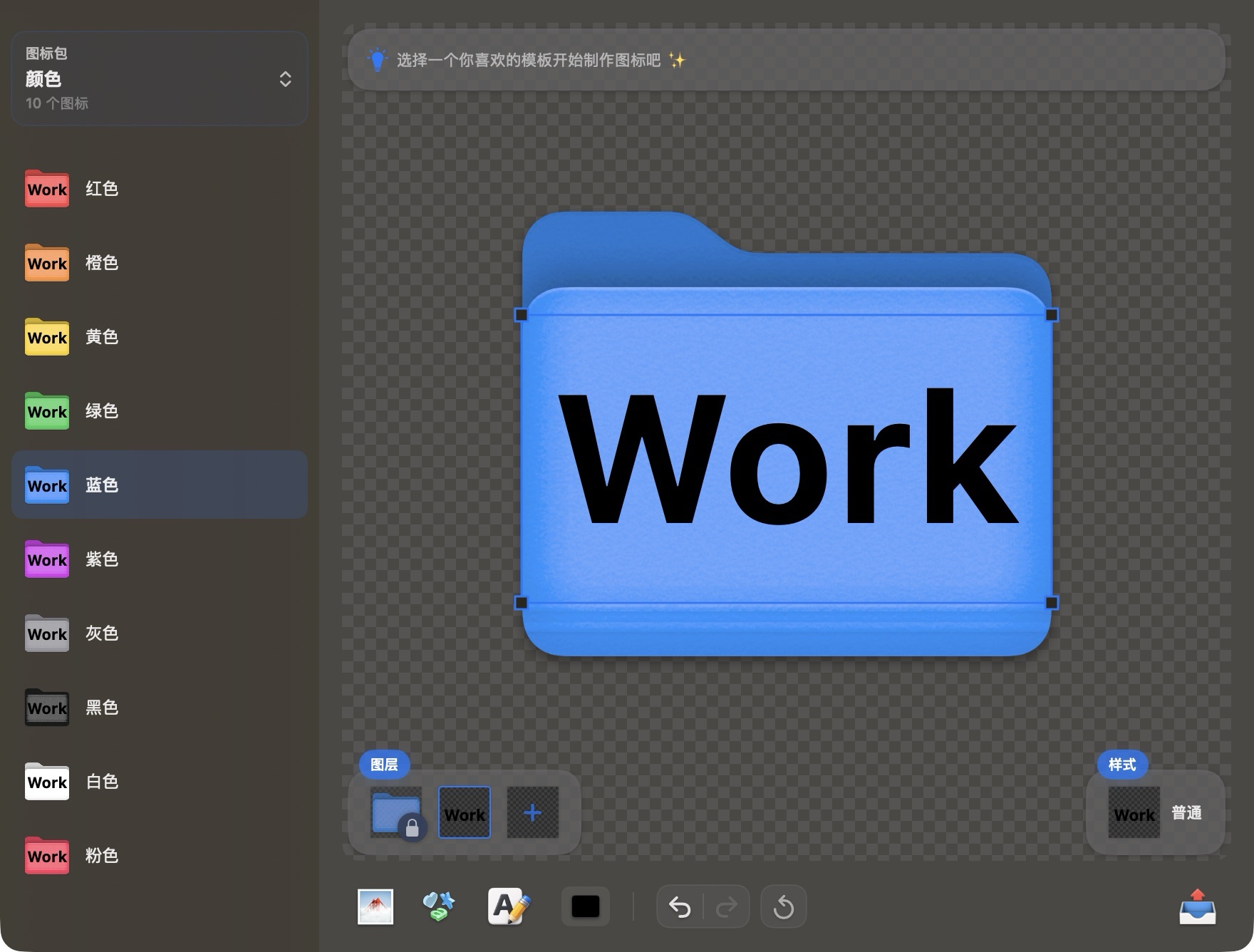
CUSTOM ICONS FOR MAC & FINDER
Create file and folder icons from images, text, emoji or SF Symbols. Change icons one by one or in batches, and restore defaults from Finder whenever you like.
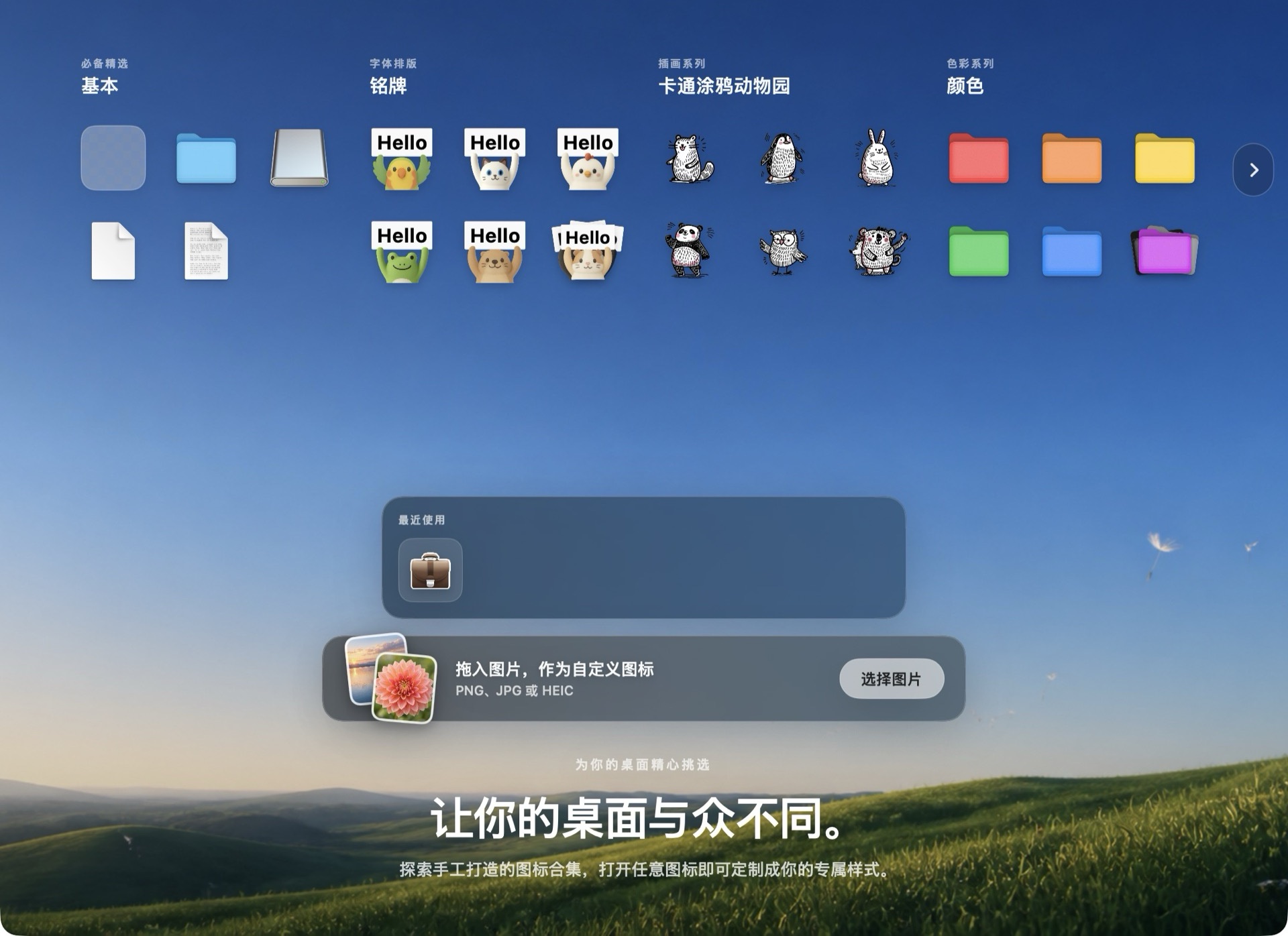
Moodsk is a macOS app for creating and changing file and folder icons. It works with your images, SF Symbols, text and emoji, and supports macOS 14 or later. Use it to give project folders a clear visual identity or make a set of icons with matching labels and colours.
Choose a built-in icon when you want a quick change. Use the layer editor when you need to combine an image, a symbol and a text label. Preview the design before applying it to your selected files or folders; batch actions let you reuse one design across multiple items.
Built-in free colour icons can be applied directly. Editor output requires Editor Pro, and paid icon packs are separate purchases. Changing an icon changes its appearance, without moving or renaming the item. You can restore the default icon later through Moodsk or its Finder extension.
Icon rendering and application happen on your Mac without uploading your files or designs. Apple services handle purchases. For the built-in Finder workflow and practical examples, follow the guides below.
EVERYTHING YOU NEED
Moodsk lets you create custom file and folder icons, apply them to one or more items, and restore the originals. Use images, SF Symbols, text or emoji as your starting point.
Template plus layers: position, scale, rotation, 3D perspective, opacity and corner radius, combined however you like. Every change shows up instantly.
Import your own pictures, pick SF Symbols from the built-in browser, or express things with text and emoji.
Normal, Embossed, Shadow, Sticker and Neon styles, with tinting, filters and a white outline.
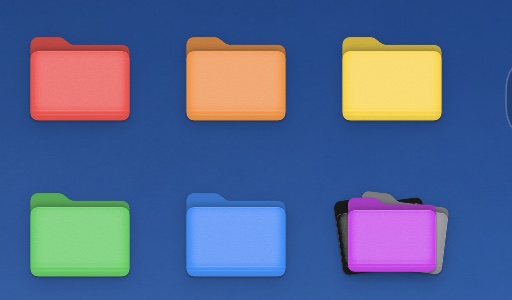
Edit once and the whole icon pack updates. Ten folders of text and colour, consistent in one step.
Queue multiple items and apply one design in bulk, or restore default icons in batches with visible progress.
LAYER-BASED EDITOR
Layer images, symbols and text freely. Font families and weights, automatic sizing, outlines and effects — every detail is yours to decide.
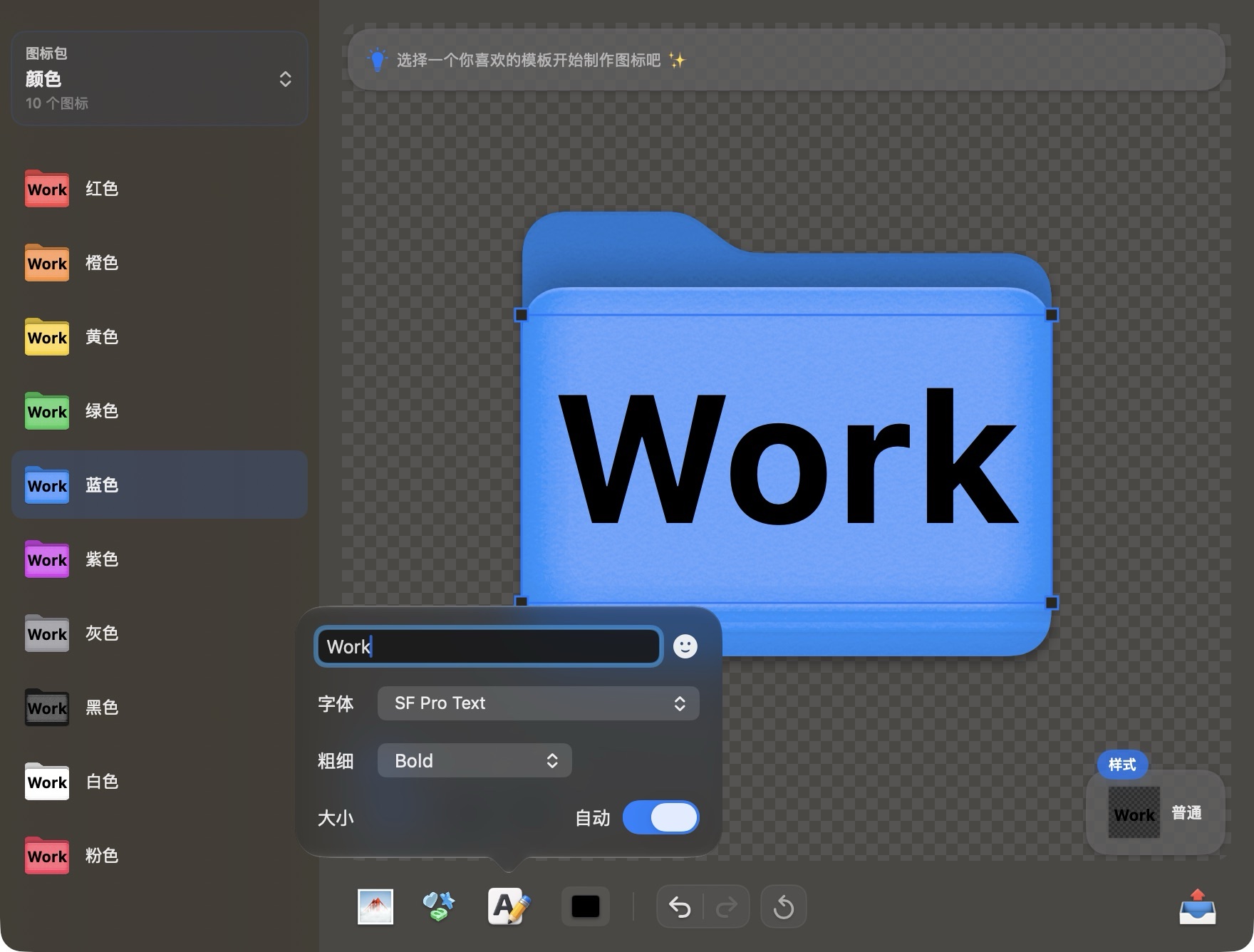
THREE SIMPLE STEPS
Choose an icon, adjust its design, then apply it to your selected files or folders. Moodsk also supports batch replacement, so you can reuse one design across multiple items.
Open a curated icon pack, or import your own images, SF Symbols and text.
Adjust colour, scale, corner radius and effects, tuning every layer live.
Replace a single icon by drag and drop, apply in batches, or restore defaults in one click.
Prefer the built-in method? Apple explains how to copy and paste a custom icon in the Get Info window: Change icons for files or folders on Mac.
choose a custom icon for any file or folder
DRAG & DROP
Drag files or folders into the window and the icon is replaced the moment you let go. You can also export a brand-new folder with its icon already set.
Bundled Finder extension: right-click files in Finder to restore default icons in one click, with multi-select support.
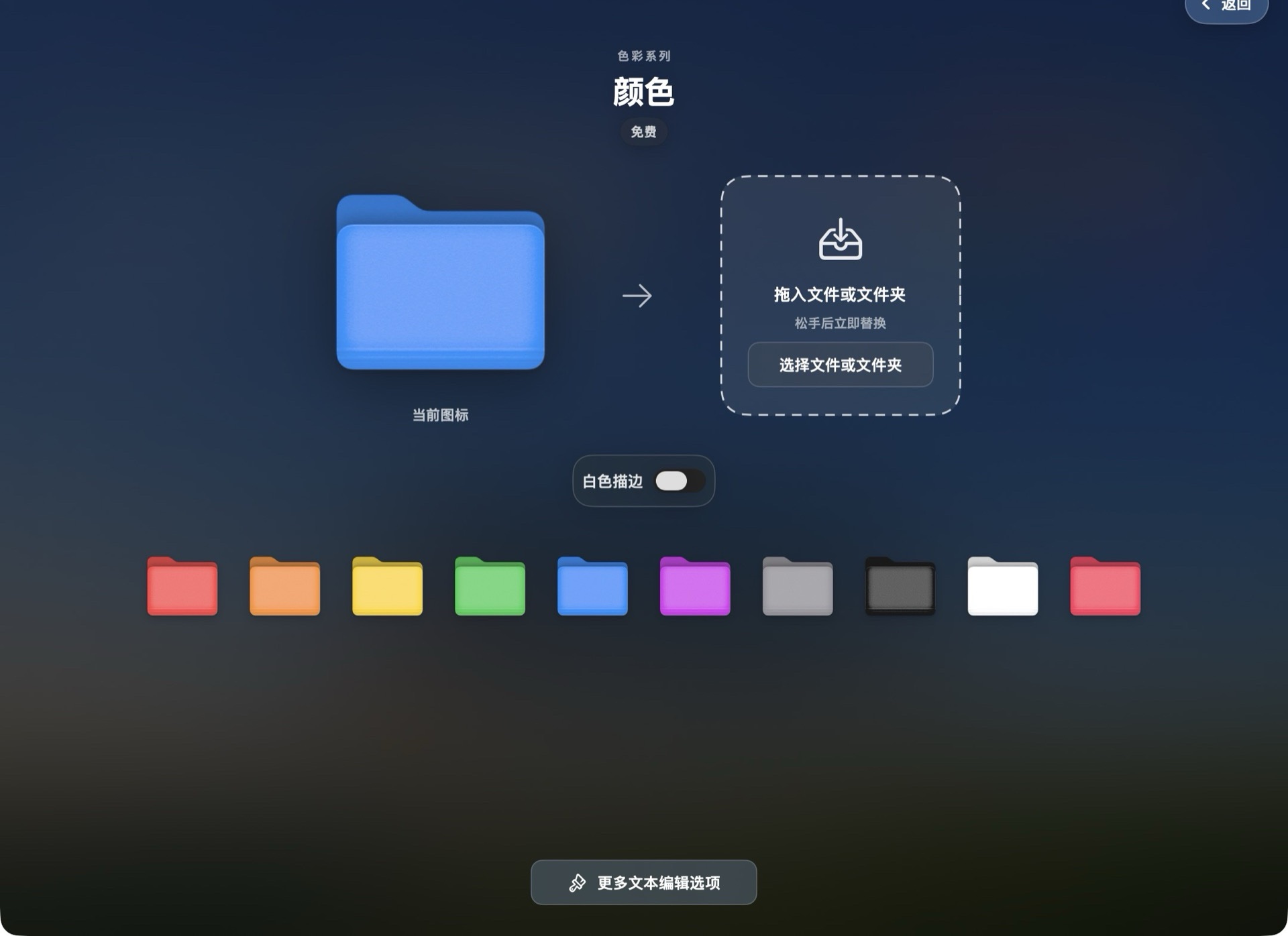
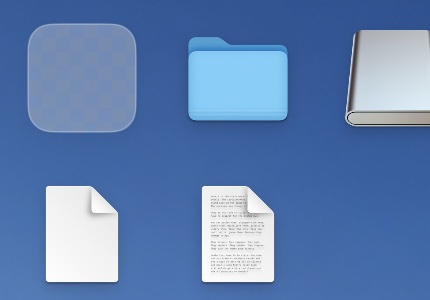
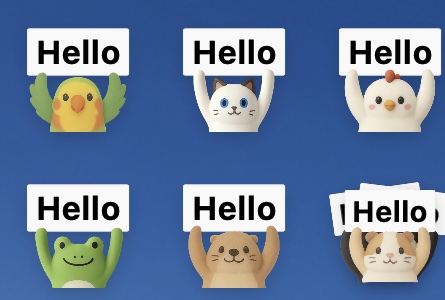
CURATED PACKS
Open any icon and make it yours — change the text, the colour, add a badge. It's up to you.

FAQ
Moodsk runs on macOS 14 or later, including Apple Silicon Macs.
Import your own images (PNG, JPG, HEIC or SVG), pick from thousands of SF Symbols, or compose icons from text and emoji. Curated icon packs are included.
Drop the files back into Moodsk to restore them, or right-click any file in Finder and choose restore with the bundled Finder extension. Batch restore is supported.
No. Moodsk renders and applies icons on your Mac without uploading your files or designs. Apple services handle in-app purchases.
ABOUT MOODSK
Moodsk is made by ajigu, an independent studio building focused apps for Mac and iPhone. Icon rendering and application run on your Mac; Apple services handle purchases.
Moodsk is free to download. Editor Pro and paid icon packs are separate in-app purchases.
Last updated:

Download Moodsk for free and give every folder a little personality.
Download on the App Store macOS 14+ · Apple Silicon supported